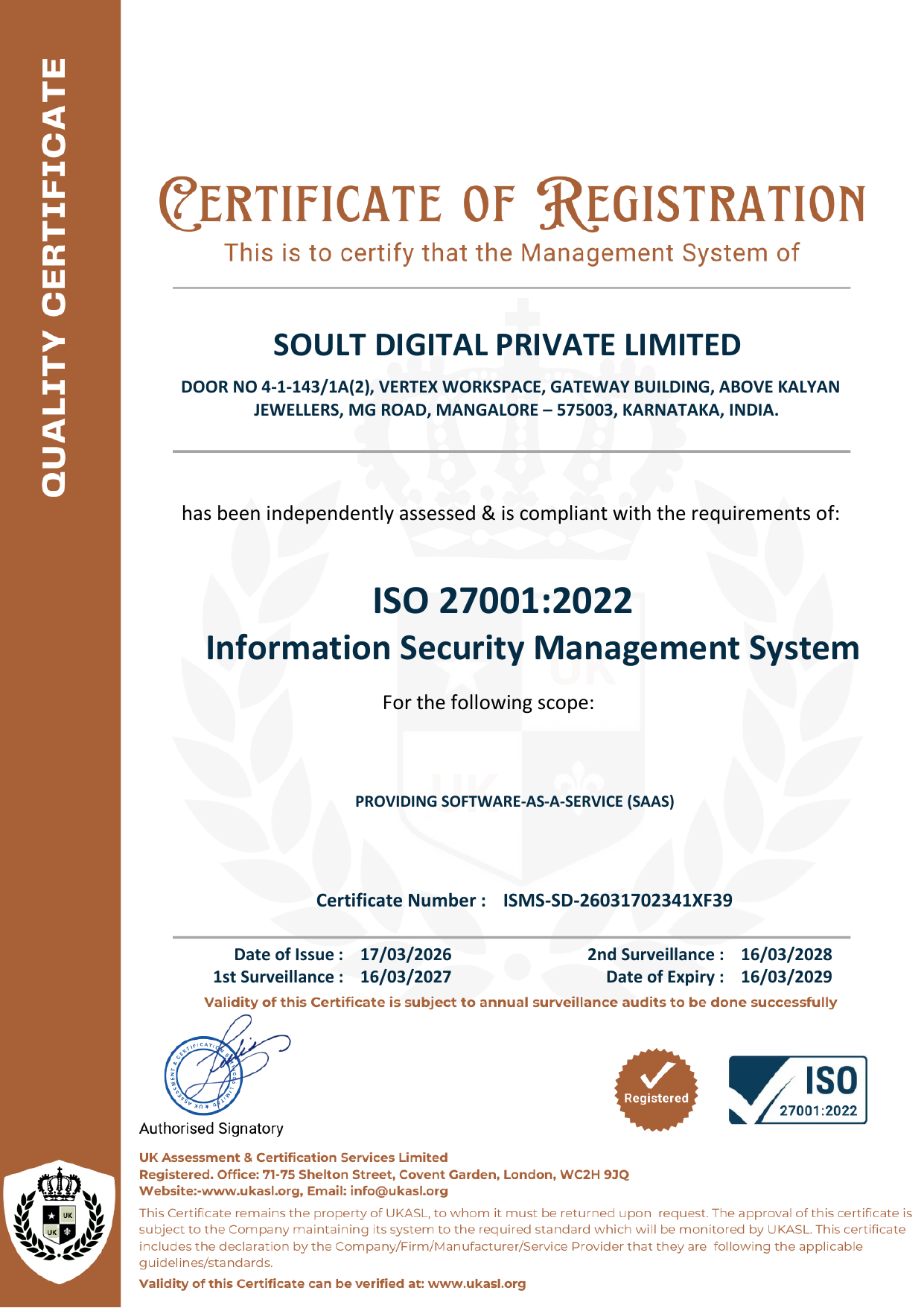
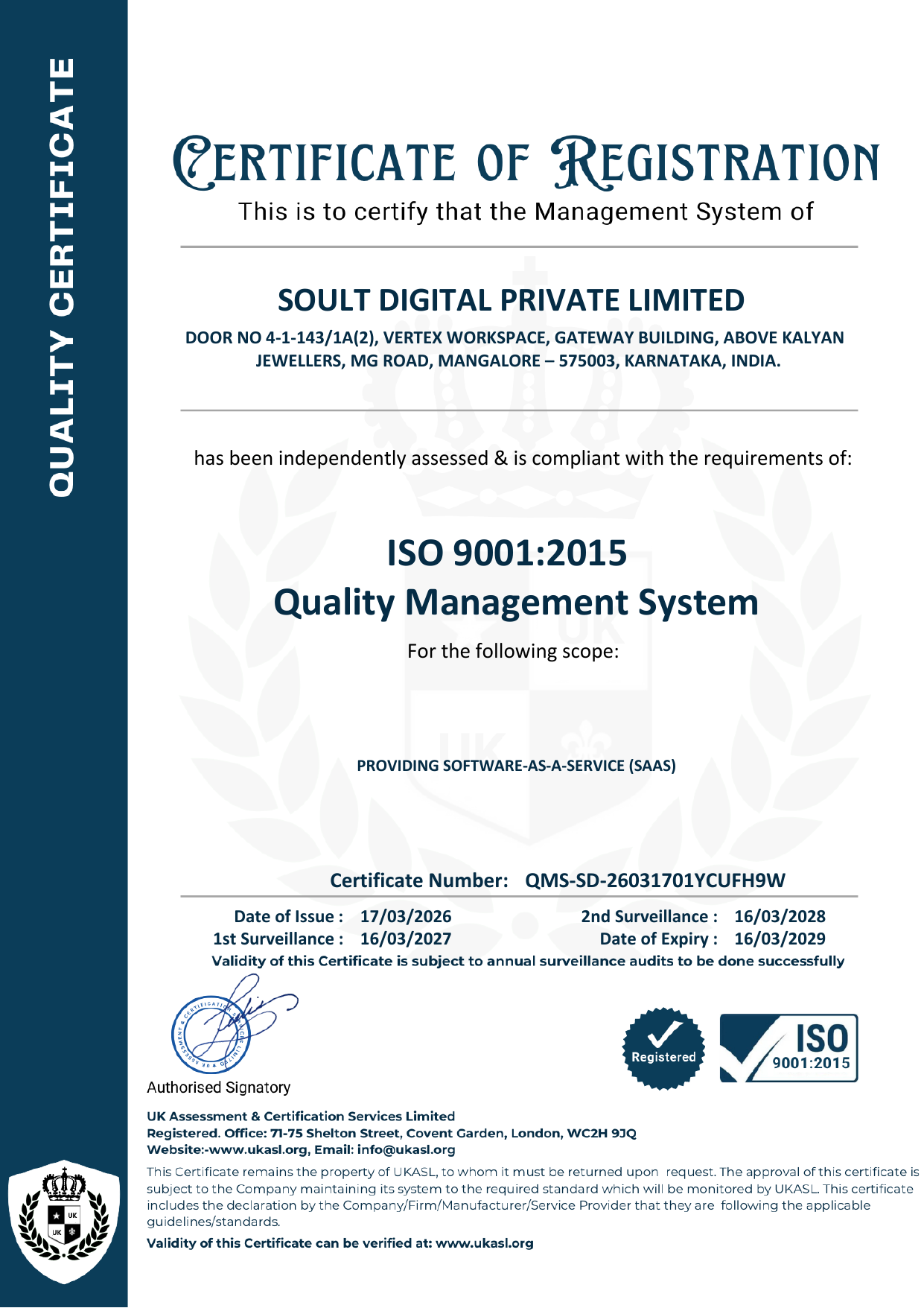
Soult — Digital Legacy Vault for Assets, Memories & Family Stories | India
LOVED
Loved Ones & Relationships

The people you love. Protected by design.

Your vault is only as complete as the people in it. Add the people who matter — and Soult connects them to your assets, your memories, your wishes, and your most critical decisions. No guessing. No confusion. Just clarity.

Your Relationship Vault · 6 people added
P
Priya · Spouse
Birthday reminders on · Documents attached
Nominee Executor
A
Arjun · Son
3 memories tagged · Scheduled message for 18th birthday
Nominee Memory
R
Rajan · Brother
Executor assigned · Full estate access
Executor
D
Dr. Sharma · Family Doctor
Medical directives linked · Emergency access
Emergency
What Relationships Unlock

One person added.
Six powerful connections.

Every loved one you add to your vault can be connected to your assets, memories, medical wishes, and more — all in one place.

01
💛

Nominate to Assets

Link any loved one as a nominee to specific financial assets — bank accounts, mutual funds, insurance policies, property. They receive what's theirs. Cleanly, legally, without dispute.

02
🔑

Appoint as Executor

Give one trusted person structured access to your estate and Will. Your executor receives step-by-step instructions through Soult's handover process — not a chaotic folder of documents.

03
💌

Leave Memories for Them

Tag any memory, life lesson, final wish, apology, or letter directly to a loved one. They receive it privately — at the right moment, in your voice, in your words.

04
🏥

Emergency & Medical Contact

Designate who can act on your behalf in a medical emergency. Your trusted contact gets access to your medical directives, organ donation wishes, and living will — when you cannot speak for yourself.

05
🎂

Birthday & Anniversary Reminders

Add a date of birth or anniversary and Soult sends you automatic reminders. Never miss what matters. Schedule a message now for delivery on a future birthday — even years from now.

06
📎

Store Their Documents

Each loved one has their own attachment section. Store ID cards, medical records, school certificates, insurance documents — everything related to that person, in one place.

The Three Roles

Every person
has a purpose.

These aren't just names in a list. Each role carries specific rights, access, and responsibilities — defined by you, activated only when needed.

💛 Nominee

The Beneficiary

Financial Value

The person who receives the financial value of a specific asset upon your death. Nominees are formally linked to each instrument — bank accounts, mutual funds, insurance, property — with the documentation needed for a clean, dispute-free transfer. In India, a nominee is the immediate recipient; Soult helps you align this with your Will so there's no ambiguity.

🔑 Executor

The Administrator

Estate Management

The trusted person who administers your estate and carries out your Will. Your executor receives structured, step-by-step access through Soult's Digital Handshake — not a chaotic folder of documents. One person. Full clarity. Zero guesswork for your family during the hardest week of their lives.

🏥 Emergency Contact

The Emergency Voice

Medical & Crisis Access

Designated for non-financial emergencies. When you can't speak for yourself — in a medical emergency, a sudden incapacitation — your emergency contact can access your health directives, organ donation intent, and living will on your behalf. The person who knows what you would want, armed with the documentation to prove it.

Every Kind of Relationship

Not just family.
Everyone who matters.

Your life involves more than next of kin. Your doctor, your lawyer, your best friend — they all have a place in your vault.

Immediate Family
BrotherDaughterFatherMotherSisterSonSpouse (Husband / Wife)
Romantic & Partners
BoyfriendFiance / FianceeGirlfriendLife Partner
Extended Family
AuntBrother-in-lawCousinDaughter-in-lawFather-in-lawGranddaughterGrandfatherGrandmotherGrandsonMother-in-lawNephewNieceSister-in-lawSon-in-lawStepchildStepfatherStepmotherUncle
Friends & Social
Best FriendColleagueFriendNeighborRoommate
Household & Support
CookDriverHouse Help / MaidNanny / CaretakerPet
Professional & Critical
Emergency ContactFamily DoctorFinancial AdvisorInsurance AgentLawyer / Legal AdvisorSpecialist DoctorStock BrokerTax Consultant / C.A.

Every relationship type supports the same full profile — name, dates, contact info, attachments, messages, and vault connections.

How It Works

Simple to set up.
Critical when it counts.

15 minutes to set up. Prevents years of confusion for your family.

1
Add the people who matter
Name, relationship type, dates of birth, anniversary. Soult supports every relationship category — from your spouse to your CA to your pet.
2
Connect them to what they need
Nominate them to assets. Tag memories to them. Assign your executor. Set your emergency contact. Everything links from one profile.
3
Control what they see and when
Granular access controls. Private by default. You decide what each person can view — immediately, on a date, or only when the executor flow is triggered.
4
Notify now or keep private until needed
Tell them they're assigned, or keep it confidential. Either way, they'll receive clear guidance when their role activates.
🎂
Birthday & Anniversary Reminders
Add a date of birth and Soult reminds you automatically. Schedule birthday messages years in advance — delivered in your voice, on the day it matters.
📎
Document Attachments per Person
Every relationship profile has its own attachment section. Store your son's Aadhaar, your mother's medical records, your lawyer's contact card — all in one organised place.
🔄
Review After Life Events
Marriage, divorce, a new child, a bereavement — Soult prompts you to review and update your relationship assignments automatically after major life events.
🌳
Relationship Graph Coming Soon
A visual map of your entire family network — who holds which role, which assets link to whom, and how your estate flows. Clarity your executor will be grateful for.
What People Said

Five families.
Real stories.

💛 Nominating a Spouse

"I had three FDs and two insurance policies with no nominee. I kept putting it off. Added Meera in Soult and linked everything to her in one evening. It took 20 minutes. I don't know why I waited years."

R.K.
IT Professional · Bengaluru, Karnataka
🔑 Appointing an Executor

"My brother didn't even know I had a Will. I added him as executor in Soult and sent him the link. He called me that evening and said, 'I finally know what to do if something happens to you.' That conversation was worth everything."

S.M.
Business Owner · Pune, Maharashtra
🏥 Medical Directives

"I had a cardiac episode last year. Nobody in the hospital knew my organ donation preference or who to call. After that, I added my sister as emergency contact and uploaded my living will to her profile. At least now someone knows."

P.V.
Retired Teacher · Chennai, Tamil Nadu
📎 Storing Documents

"I keep all my mother's medical records and her Aadhaar in her profile on Soult. When she had a fall last month and we rushed to the hospital, I had everything on my phone in 10 seconds. The doctor said she had never seen a family so prepared."

A.N.
Software Engineer · Hyderabad, Telangana
💌 Memories Tagged to a Child

"I wrote a letter to my daughter for her 21st birthday. She is 9 now. I tagged it to her in Soult and scheduled it. Whatever happens between now and then, she will hear from me on that day. That is the most important thing I have ever done on any app."

D.R.
Entrepreneur · Mumbai, Maharashtra
Disclaimer: These testimonials were shared voluntarily by Soult users. Only initials and state are shown to protect privacy. Soult does not read, access, or process vault content — our staff has no visibility into what users store. These accounts reflect the users' own experiences in their own words. Soult has not verified the specific details mentioned.
Common Questions

Things people ask
before they begin.

Yes. A spouse can be both a nominee on your financial assets and your emergency contact. Your executor can also be a nominee. Each role is tracked separately so access rights are always clear — even when the same person holds multiple roles.
That is entirely your choice. You can notify them now — which we recommend, so they know where to find the vault when needed. Or you can keep the assignment confidential and let the executor trigger process handle it at the right time. Either way, they will receive clear, step-by-step guidance when their role activates.
A nominee is the person designated to receive an asset after your death — they are the immediate recipient. A legal heir is determined by your Will or by succession law. In India, a nominee on a bank account is a trustee, not automatically the legal owner. Soult's Will management and executor features help you align both so there is no ambiguity.
Yes, at any time from your vault dashboard. Changes take effect immediately and previous assignments are versioned in your audit trail. Soult will prompt you to review your relationship assignments after major life events — marriage, a new child, a bereavement — automatically.
You can add contingent nominees — backup recipients if a primary nominee predeceases you. Soult will prompt you to set these up and will flag any relationship assignments that may need reviewing based on changes you record in your vault.
The number of loved ones you can add depends on your plan. The Foundation plan supports 5 loved ones. The Family plan supports 20. Legacy supports 30. The Dynasty plan supports unlimited loved ones. See our pricing page for the full breakdown.
Give them clarity

The right people.
The right access.
Set up today.

15 minutes to add your loved ones. A lifetime of clarity for your family when it matters most.

Set Up Your Relationships
Available on iOS & Android

Your vault.
Always in your pocket.

Everything you have built, preserved, and passed on — secured in the Soult app. Download in under a minute.

Get it on
Google Play
Live
Download on the
App Store
Beta
support_agent
Soult Assistant
 Online · Here to help
Powered by Soult AI  ·  soultdigital.com